

Navigating the world of notarization has never been more straightforward. Gone are the days of scheduling appointments and commuting to a notary’s office. Today, you can notarize documents effortlessly online, usually within minutes, using a reliable service like BlueNotary. This guide will walk you through everything you need to know about online notarization, ensuring that you can handle your notary needs with confidence and ease.
Getting Started with Online Notarization
Online notarization, often referred to as remote online notarization (RON), is a process where documents are notarized in an electronic form. This is done via digital platforms that facilitate the notary process through audio-video technology. BlueNotary offers a robust platform to carry out these services efficiently and securely.
Pro Tip: Online notarization is legally recognized in most U.S. states, which means you can carry out transactions without geographical constraints.
Prerequisites for Online Notarization
Before you start the notarization process, ensure you have the following:
- Stable Internet Connection: Essential for uninterrupted audio-video communication.
- Valid Identification: A government-issued ID such as a driver’s license or passport.
- Compatible Device: A computer or mobile device with a webcam and microphone.
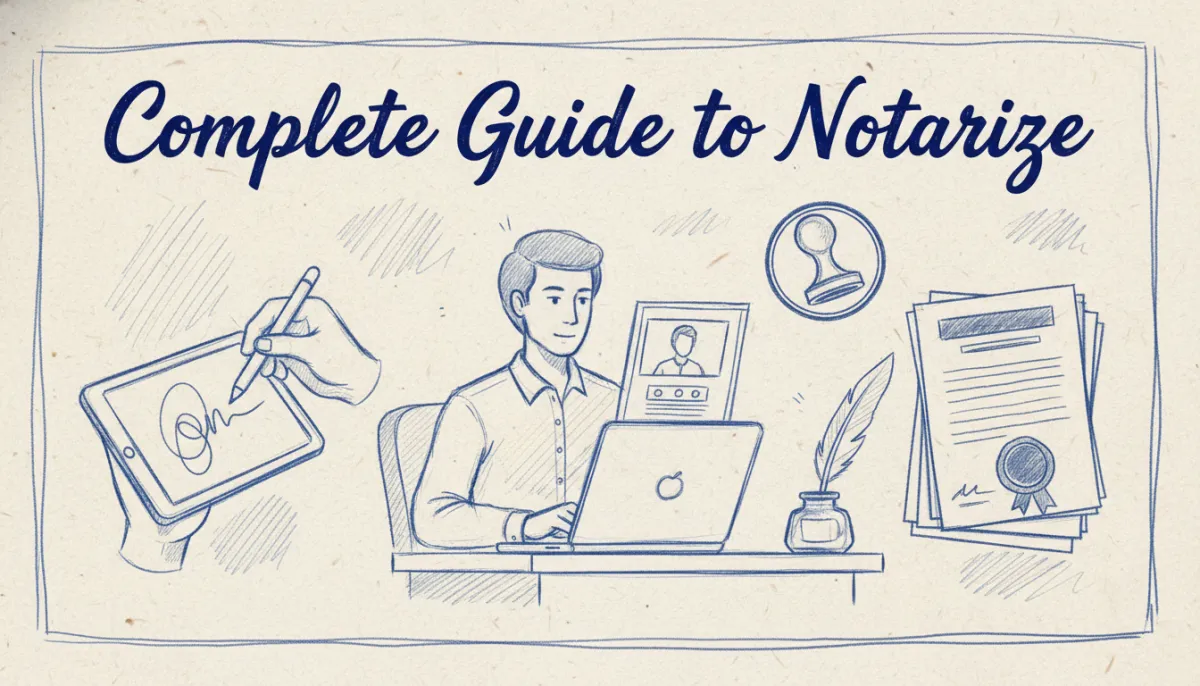
Step-by-Step: Notarizing Documents Online
Let’s dive into the step-by-step process to notarize documents online using BlueNotary.
1. Create an Account with BlueNotary
- Visit the Website: Go to bluenotaryonline.com.
- Sign Up: Click on the Sign Up button and fill in your details to create an account.
- Verify Your Email: Check your inbox for a verification email and follow the instructions to verify your account.
Expert Tip: Use a strong password and enable two-factor authentication for added security.
2. Upload Your Document
- Log In: Access your BlueNotary account.
- Upload File: Click on Upload Document and select the file you need notarized.
- Format: Ensure the document is in a supported format, such as PDF.
3. Verify Your Identity
- Identity Verification: Follow the prompts to complete identity verification. This typically involves showing your ID to the camera.
- Knowledge-Based Authentication (KBA): Answer a few personal questions to confirm your identity.
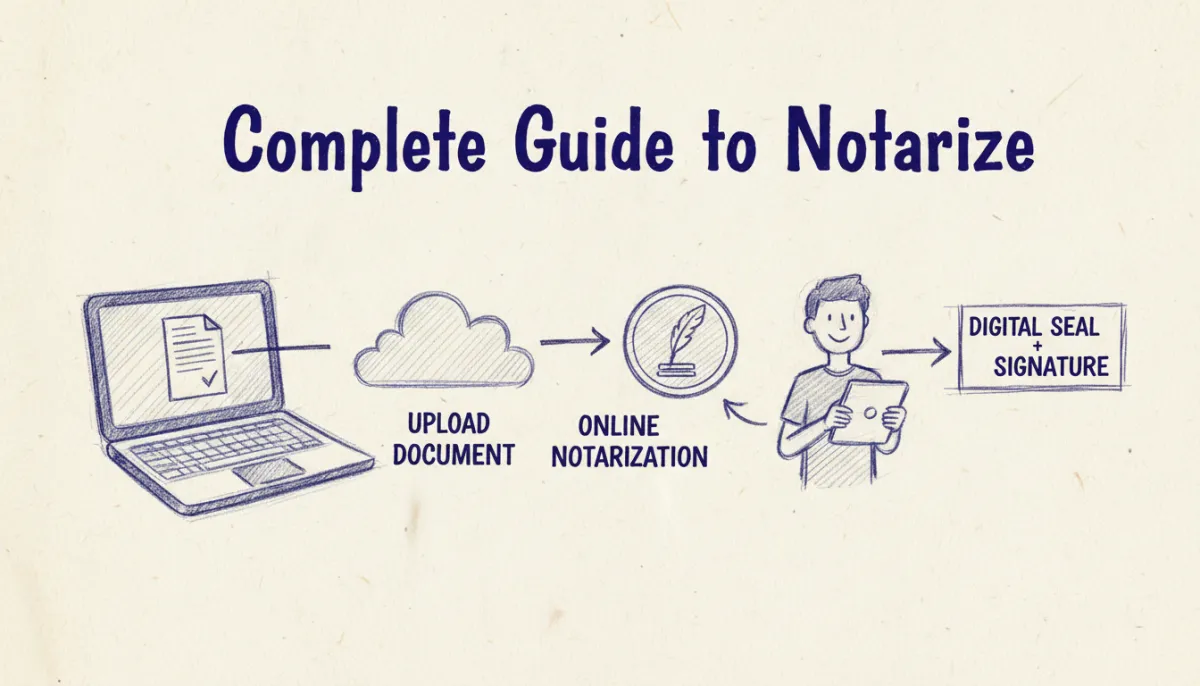
4. Connect with a Notary
- Select a Notary: Choose from available notaries on the platform.
- Video Call: Initiate a secure video call with the notary.
Key Takeaway: Ensure your environment is quiet and well-lit to facilitate a smooth video session.
5. Complete the Notarization
- Digital Signatures: The notary will guide you through the digital signing process.
- Receive Notarized Document: Once complete, a digitally notarized document will be sent to your email.
Common Challenges and Solutions
While online notarization is straightforward, you might encounter a few challenges. Here’s how to address them:
- Technical Issues: Ensure your device and internet connection are working properly before starting.
- Document Rejection: Double-check the document format and ensure all necessary fields are filled out.
- Identity Verification Fails: Have your identification documents ready and ensure your personal information is accurate.
Best Practices for Online Notarization
To make the most of your online notarization experience, follow these best practices:
- Plan Ahead: Schedule your notarization session at a convenient time.
- Prepare Your Space: Ensure a quiet, well-lit room for the video call.
- Check Document Requirements: Verify that your document is complete and in the correct format.
Pro Tip: Regularly update your device’s software to ensure compatibility with BlueNotary’s platform.

Common Questions About Notarize Online Notary
What is Online Notarization?
Online notarization is a legal process that allows you to have documents notarized electronically via a digital platform like BlueNotary. It uses audio-video technology to connect you with a certified notary remotely.
Is Online Notarization Legal?
Yes, online notarization is legal in most U.S. states. It provides a convenient alternative to traditional notarization, especially for those unable to visit a notary in person.
How Secure is the Process?
Online notarization with BlueNotary is highly secure. The platform uses encryption and identity verification to protect your information and ensure the authenticity of the notarization process.
What Documents Can Be Notarized Online?
Most documents that require notarization can be handled online, including affidavits, powers of attorney, and real estate documents. However, check local regulations to confirm eligibility.
Can I Notarize Documents from Any Location?
Yes, as long as you have internet access, you can notarize documents from anywhere in the world, provided the notary is authorized to perform online notarizations.
Conclusion
Online notarization is a convenient, efficient way to get your documents notarized without leaving the comfort of your home. With BlueNotary, you can manage this process seamlessly and securely, regardless of your location. Ready to get started? Get Started with BlueNotary to learn more.