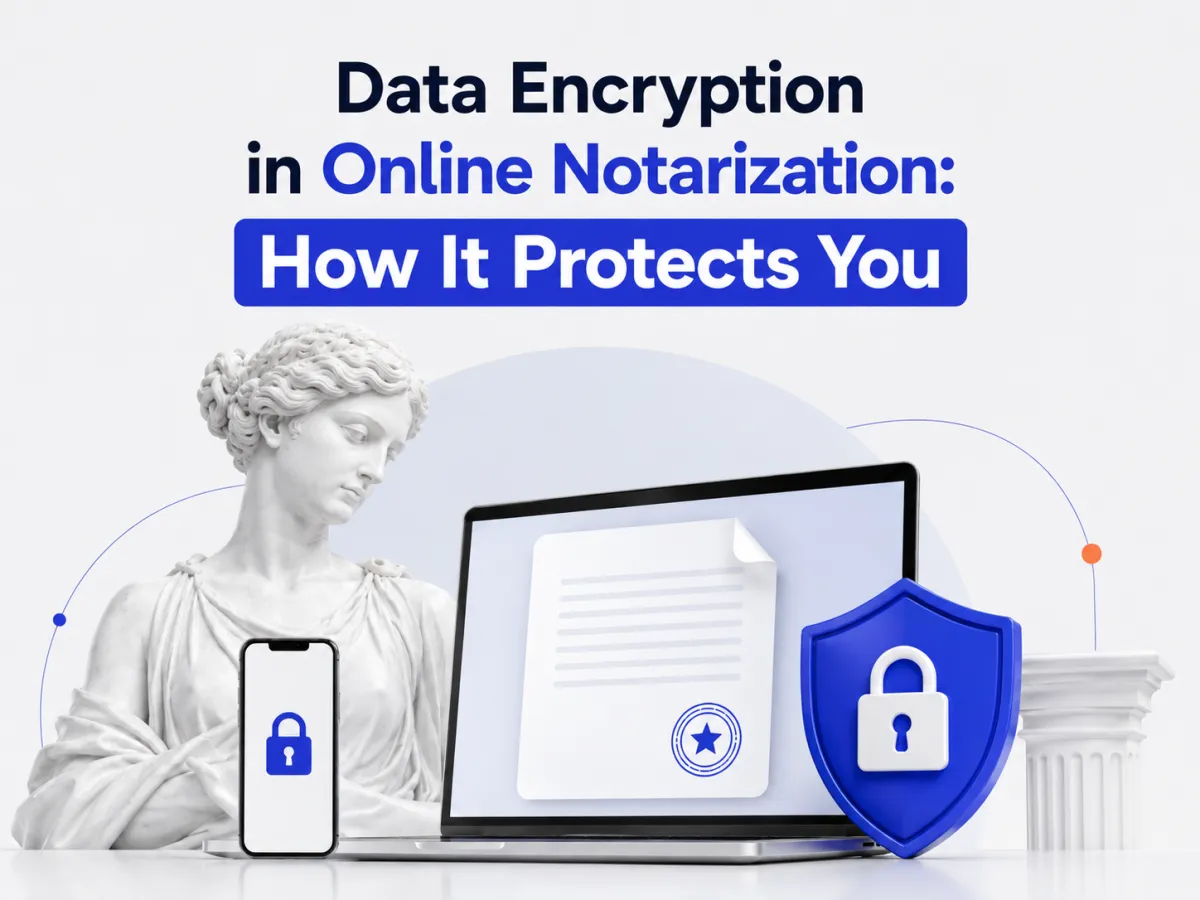

Quick answer: Data encryption scrambles your information into unreadable code so only authorized parties can read it. In online notarization it protects your documents, ID, KBA data, and session video, both in transit (moving over the internet, via TLS) and at rest (stored on servers, via AES-256), keeping your notarization private. It works alongside the tamper-evident seal, which guards integrity.
What is data encryption (in online notarization)?
Data encryption converts readable information into scrambled ciphertext that can only be turned back into readable form with the correct decryption key. If someone intercepts or steals encrypted data without the key, it’s useless to them. In short, encryption protects confidentiality, keeping your information private.
In online notarization, that matters because a session involves sensitive data: the document you’re signing, your government ID, your knowledge-based authentication details, and the video recording. Encryption is what keeps all of that from being readable by anyone who isn’t authorized, the backbone of a secure remote online notarization platform.
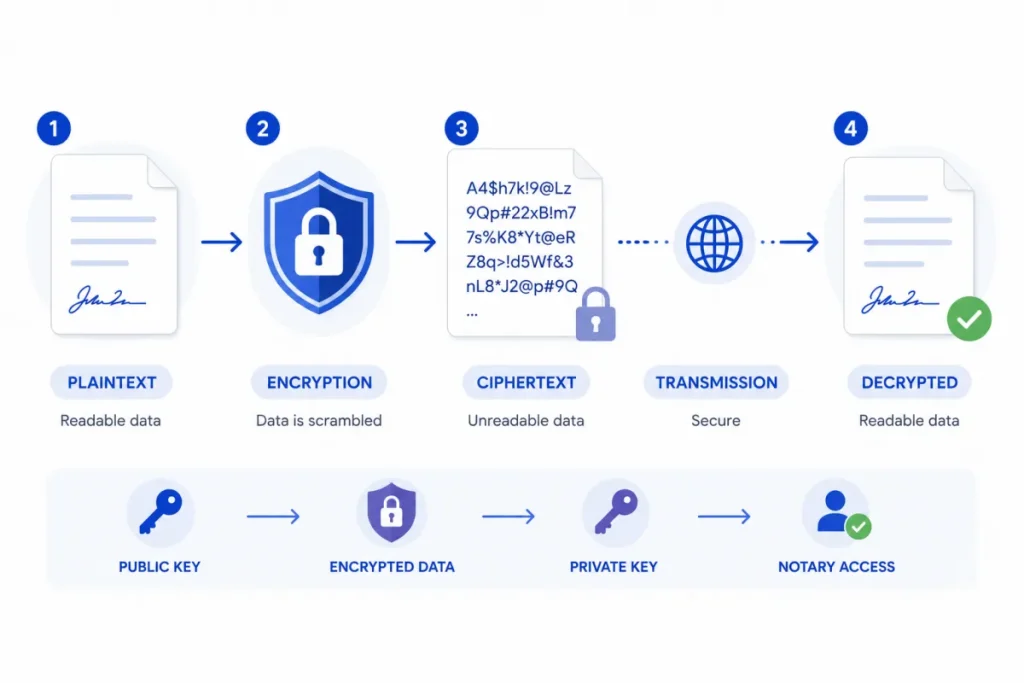
Encryption in transit vs. at rest
Strong platforms encrypt your data in two states, and you want both:
- In transit: While data moves between your device and the platform’s servers. This uses TLS (the technology behind HTTPS), so your document and video can’t be read as they travel over the internet.
- At rest: While data is stored on the platform’s servers. This typically uses AES-256, a widely trusted encryption standard, so even stored files stay protected.
Encrypting only one state leaves a gap. A secure notarization platform encrypts your data both in transit and at rest, end to end.
What gets encrypted during your notarization
During an online notarization, encryption should protect every sensitive piece:
- The document you upload and sign.
- Your ID and its scan/credential-analysis data.
- Your KBA (knowledge-based authentication) data.
- The audio-video recording of the session.
- The finished, sealed document and its audit trail.
Because these span your identity, finances, and legal affairs, encryption across all of them is essential and it’s part of what a SOC 2 or HIPAA posture is built on. It’s also a core defense discussed in detecting notarization fraud.
Encryption vs. the tamper-evident seal
These get confused, but they solve different problems:
| Encryption | Tamper-evident seal | |
|---|---|---|
| Protects | Confidentiality — keeps data private | Integrity — detects changes |
| How | Scrambles data (TLS, AES-256) | Cryptographic hash + digital certificate |
| Answers | “Can anyone read it?” | “Was it altered after signing?” |
Encryption keeps outsiders from reading your data, the tamper-evident seal ensures the notarized document can’t be changed without detection. A secure notarization uses both, see how the seal works in electronic vs. wet-ink notary stamps.
How to tell if a notary platform is secure
Before uploading sensitive documents, look for:
- Encryption in transit and at rest, TLS for transfer, AES-256 (or equivalent) for storage.
- A clear privacy policy explaining how data is stored and for how long.
- Independent certifications, SOC 2 Type 2 (audited security controls), and HIPAA-alignment if health documents are involved.
- A tamper-evident seal and audit trail on the finished document.
- Access controls limiting who can view your files.
If a platform can’t clearly answer these, treat that as a red flag. Strong providers publish this information openly.
Conclusion
Data encryption is the quiet safeguard that makes online notarization safe to trust with sensitive documents: it scrambles your document, ID, KBA data, and session video into unreadable code, protecting it in transit (via TLS) and at rest (via AES-256) so only authorized parties can access it. It’s about confidentiality, and it works hand in hand with the tamper-evident seal, which guards integrity by detecting any change to the finished document. When choosing where to notarize, look for encryption in both states, a tamper-evident seal, and independent certifications like SOC 2.
Want a notarization backed by real security? BlueNotary protects your session with encryption and tamper-evident seals, notarize online in about 15 minutes, 24/7. Curious about the legal rules too? See the notarization requirements by state.
Frequently asked questions
Is online notarization encrypted?
A secure online notarization platform encrypts your data both in transit (via TLS while it moves) and at rest (via AES-256 while stored), protecting your document, ID, KBA data, and session recording.
What’s the difference between encryption in transit and at rest?
Encryption in transit protects data as it moves between your device and the platform using TLS. Encryption at rest protects data stored on servers using standards like AES-256. Secure platforms use both.
What encryption standards do online notary platforms use?
Commonly TLS (1.2 or 1.3) for data in transit and AES-256 for data at rest, widely trusted, often called “bank-grade” encryption.
Is my document safe during online notarization?
On a secure platform, yes. Encryption keeps your document, ID, and video unreadable to unauthorized parties, while a tamper-evident seal ensures the finished document can’t be altered undetected.
What’s the difference between encryption and a tamper-evident seal?
Encryption protects confidentiality, it keeps your data private. A tamper-evident seal protects integrity, it detects whether a notarized document was changed after signing. Both are used together.
How do I know if a notary platform is secure?
Look for encryption in transit and at rest, a clear privacy policy, independent certifications like SOC 2 Type 2, a tamper-evident seal and audit trail, and access controls limiting who can view your files.