
Quick answer: A notary kiosk is a self-service station, at a store, bank, or apartment building that connects you to a live online notary on screen. You scan your ID, verify your identity, and sign while the remote notary watches. Despite the name, a real commissioned notary still performs the act; the kiosk just automates the setup.
What is a notary kiosk?
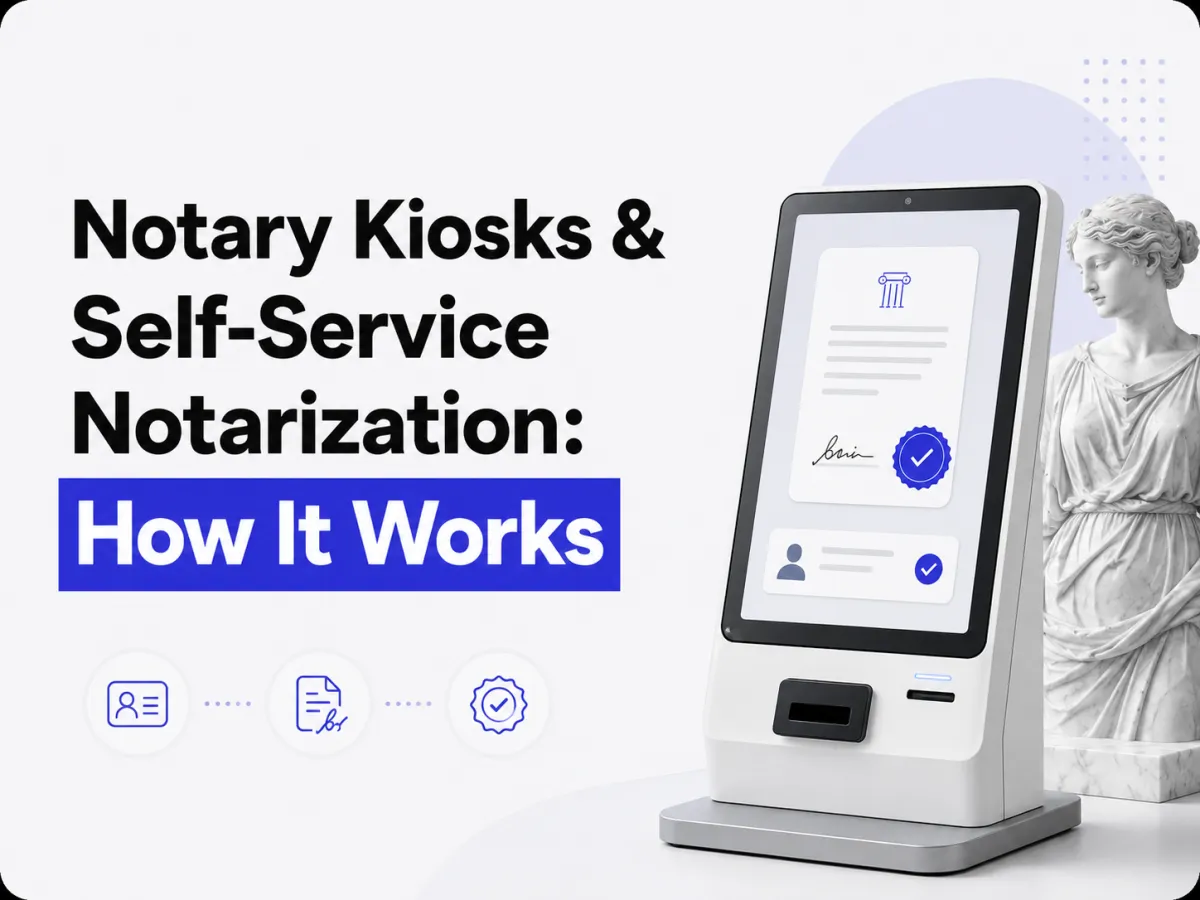
A notary kiosk is a self-service station that lets you get a document notarized on the spot, often 24/7, by connecting you to a live online notary through a screen. Think of it as a physical doorway to remote online notarization: instead of using your own laptop at home, you use the kiosk’s camera, scanner, and screen at a public location.
It exists to solve a real problem, not everyone has a webcam, a scanner, or the comfort level to notarize from home, and traditional notaries keep limited hours. A kiosk puts a notary on demand in a place you can walk into. But “self-service” describes the setup, not the notarization itself, which still requires a real notary, as explained next.
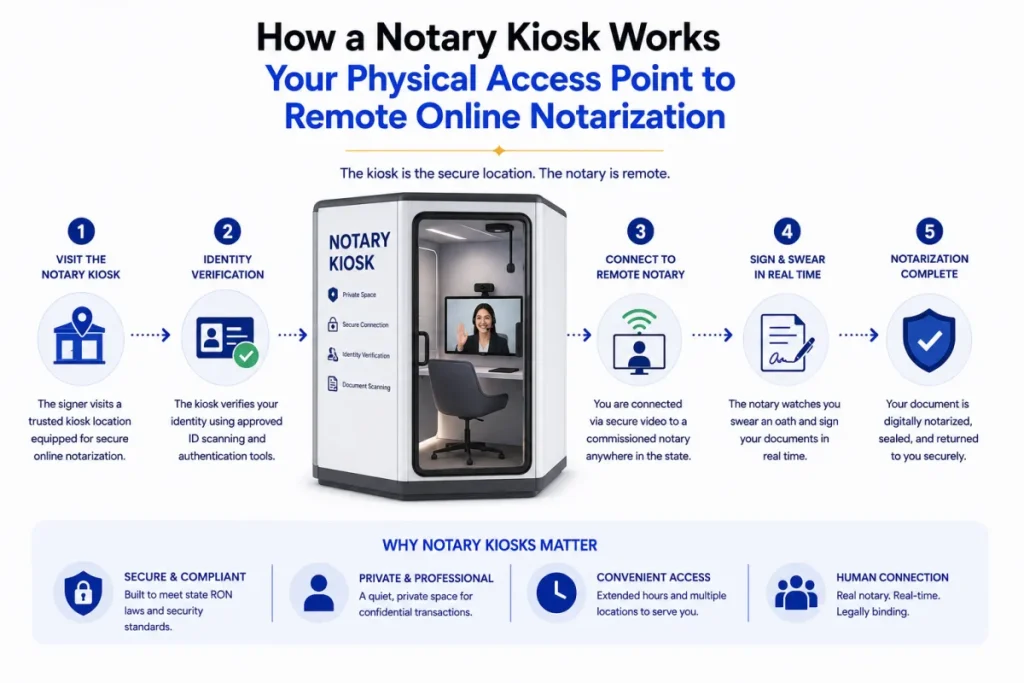
How a notary kiosk works: step by step
The flow is quick and guided:
- Walk up and start a session: The kiosk’s touchscreen begins the process, no appointment needed.
- Scan your ID: The kiosk captures your government photo ID for verification (credential analysis).
- Load your document: You scan or insert the document to be notarized.
- Connect to a live online notary: A commissioned notary appears on screen over live video.
- Verify your identity and sign: The notary confirms your identity, watches you sign (electronically or on a printed copy), and administers any oath.
- Get your notarized document: The notary applies the seal; you receive a printed or digital copy.
Behind the convenience, it’s the same verification as any online notarization, just at a physical terminal.
“Self-service” doesn’t mean self-notarize
This is the key point people miss, you cannot legally notarize your own document. Notarization requires a neutral, commissioned notary to verify your identity and witness your signature. A “self-service” kiosk doesn’t remove the notary, it connects you to one remotely.
So the “self-service” part is really self-check-in: the kiosk automates scanning your ID, loading your document, and starting the video call. The notarial act itself is still performed by a live human notary. Any product claiming you can notarize entirely by yourself, with no notary at all, isn’t offering a valid notarization.
Where to find notary kiosks
Kiosks are emerging and location-dependent, but they’re showing up in high-traffic, convenience-oriented spots:
- Banks and credit unions
- Shipping and print stores
- Apartment and condo buildings
- Hospitals and medical centers
- Government offices and courthouses
Availability is still limited and uneven by region, a kiosk near you today may not be common everywhere. If you can’t find one, the alternative is simple, notarize from your own device.
Are notary kiosks legal?
Yes, where the underlying process follows state RON (or in-person electronic notarization) rules, a kiosk notarization is valid. Because a commissioned notary performs the act over live video and the session is recorded with a tamper-evident seal, it meets the same standards as any remote online notarization.
The document is just as legally binding as one notarized at home or in person. As always, the specifics depend on your state, check the notarization requirements by state and confirm the kiosk uses a properly commissioned notary.
Notary kiosk vs. notarizing from home
Both connect you to a live online notary, the difference is where and what equipment you use:
| Notary kiosk | Online from home | |
|---|---|---|
| Location | A store, bank, or building | Anywhere with internet |
| Equipment | The kiosk’s camera/scanner | Your own phone or laptop |
| Availability | Where a kiosk exists (limited) | Nationwide, on your device |
| Best for | No home webcam/scanner; walk-in 24/7 | Convenience without travel |
For most people, notarizing from your own phone or computer is faster, no driving to find a kiosk. A kiosk shines when you don’t have the equipment or prefer a walk-in option.
Conclusion
A notary kiosk is a handy physical access point to online notarization, a walk-in, often 24/7 station that scans your ID, loads your document, and connects you to a live commissioned notary on screen. The “self-service” label refers to the automated setup, not the notarization: you can’t notarize your own document, and a kiosk doesn’t change that. A real notary still performs the act, which is exactly why it’s legally valid. Kiosks are great when you lack a webcam or want a walk-in option, but they’re still spreading unevenly, so for most people notarizing from your own phone is the quicker path.
Don’t have a kiosk nearby? You don’t need one, notarize online with a commissioned notary on BlueNotary from your own phone or computer, 24/7, in about 15 minutes. Not sure what you’ll need? Start with what you need to notarize.
Frequently asked questions
What is a notary kiosk?
A self-service station, often 24/7, that connects you to a live online notary on screen. You scan your ID, load your document, and sign while a remote commissioned notary verifies you and applies the seal.
How does a self-service notary kiosk work?
You start on the touchscreen, scan your ID, load your document, and connect to a live online notary by video. The notary verifies your identity, watches you sign, and applies the seal, giving you a copy.
Can you really self-notarize a document?
No. Notarization always requires a neutral, commissioned notary. A self-service kiosk automates the check-in but still connects you to a live notary who performs the actual act.
Where can you find a notary kiosk?
They’re appearing in banks, credit unions, shipping stores, apartment buildings, hospitals, and government offices, but availability is still limited and varies by region.
Are notary kiosks legal?
Yes, when the process follows state RON or in-person electronic notarization rules. A commissioned notary performs the act over video with a tamper-evident seal, so the document is fully valid.
Is a notary kiosk better than notarizing at home?
It depends. A kiosk helps if you lack a webcam or want a walk-in 24/7 option, but notarizing from your own phone or computer is usually faster since there’s no kiosk to find.