
Quick answer: Credential analysis is the automated check that confirms your government ID is genuine during online notarization. You photograph the front and back of your ID, and software examines its security features like holograms, microprint, fonts, and barcode data to detect forged, altered, or expired IDs in seconds. It verifies the ID itself, while KBA verifies you.
What is credential analysis?
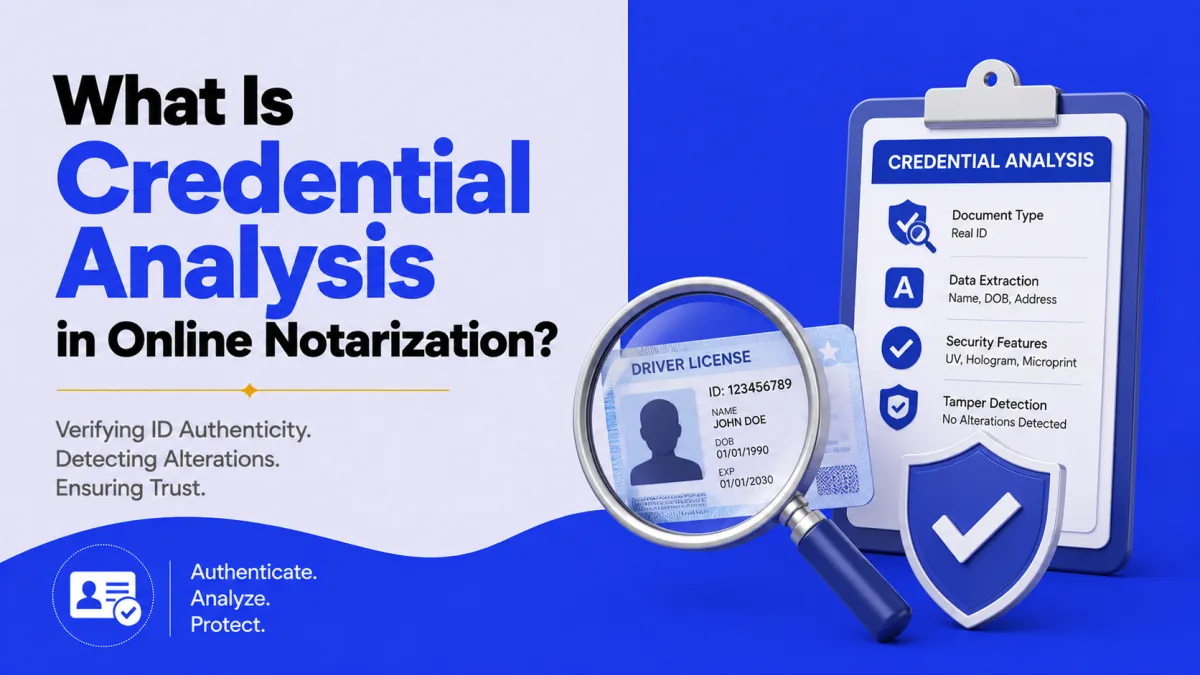
Credential analysis is the step in online notarization that confirms your government-issued ID is authentic. Before you meet the notary, you photograph your ID, and specialized software runs a forensic check on it, is this a real driver’s license or passport, unaltered and unexpired?
It’s the document half of identity verification. Where KBA asks whether you know what the real person would know, credential analysis asks whether your ID is genuine. Together with a biometric face match, they make impersonation very hard. On its own, credential analysis is the first gate. if your ID doesn’t pass, the session stops. 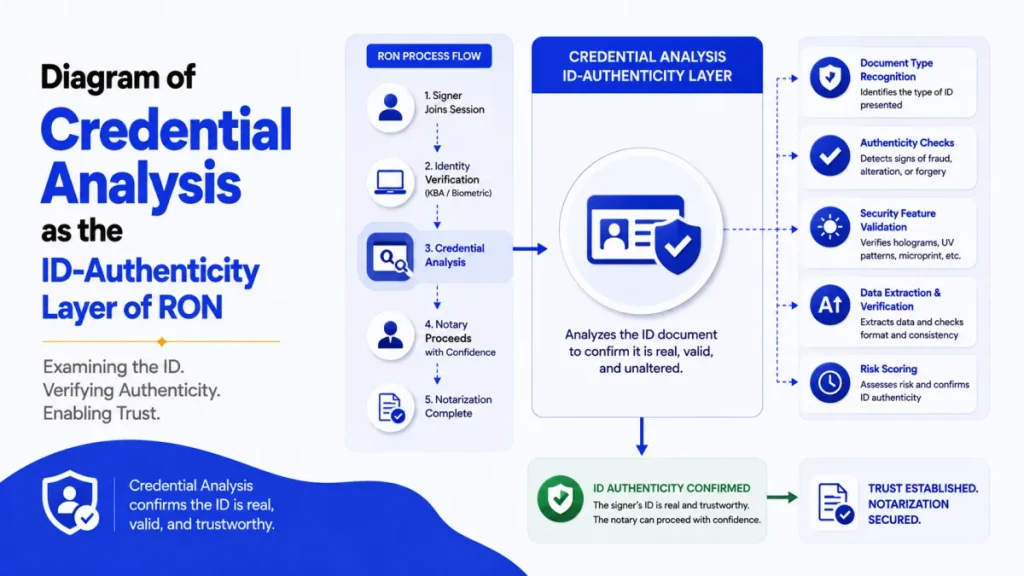
How credential analysis works
The process takes seconds and runs automatically:
- You capture your ID: You photograph the front and back (two-sided IDs) with your camera.
- Software analyzes it: Machine-learning and forensic tools compare your ID against known templates for that document type and issuing authority.
- It flags problems: Forged, altered, expired, or unsupported IDs are caught and rejected.
- It passes or fails: Only a verified ID lets you continue to the notary.
Because it reads the card’s real, physical security features, credential analysis is far more rigorous than a person glancing at an ID. It’s a key reason online notarization is considered secure, part of the same protection framework as detecting notarization fraud.
What credential analysis checks
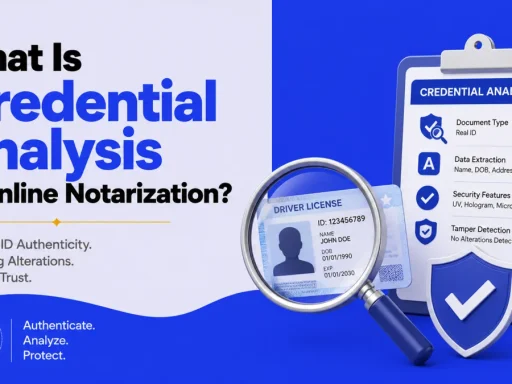
Specifically, the software looks at your ID’s security and data features, such as:
- Document format and template: Does the layout match a real ID from that state/country?
- Security features: Holograms, microprint, fonts, and design elements genuine IDs carry.
- Barcode / machine-readable data: Does the encoded data match what’s printed on the front?
- Expiration date: Is the ID current?
- Signs of tampering: Altered photos, edited text, or mismatched data.
If everything is consistent and genuine, the ID passes. If the printed data doesn’t match the barcode, or a security feature is missing, it’s flagged.
Credential analysis vs. KBA vs. biometric
These three are easy to confuse, so here’s the clean split:
| Layer | What it verifies |
|---|---|
| Credential analysis | Your ID document is real and unaltered |
| KBA (knowledge-based authentication) | You know what the real person would know |
| Biometric / face match | The live person matches the ID photo |
No single one is enough, the combination is the point. A stolen but real ID would pass credential analysis yet likely fail KBA or the face match; a good fake might fail credential analysis outright. Layering them closes the gaps. For what IDs you can use, see the acceptable-ID guide.
Why an ID fails credential analysis (and how to pass)
Most failures are fixable and not fraud:
- Blurry photo or glare → Retake in good, even lighting on a dark background.
- Expired ID → Renew it first; expired won’t pass.
- Damaged or worn card → A cracked or peeling ID can fail the checks.
- Unsupported ID type → Use a mainstream government photo ID (license, state ID, passport).
- A photo of an ID, not the card → Present the physical card.
To pass on the first try: use a current, undamaged, physical government ID, capture both sides clearly, and hold it steady in good light.
Physical vs. digital ID
A common question in 2026, can I use the mobile driver’s license in my phone’s wallet? For credential analysis, generally no, not yet. The software is built to read a physical card’s security features, which a screen-displayed digital ID can’t present the same way, and most state notary rules still expect a tangible ID.
So even if you carry a mobile ID for TSA, bring your physical license or passport for online notarization. That may change as digital-ID standards mature, but for now the physical card is what passes.
Conclusion
Credential analysis is the document checkpoint of online notarization: you scan your government ID, and software validates its security features, data consistency, and expiration in seconds to catch fakes and alterations. It verifies the ID, while KBA verifies you and a biometric check confirms your face, three layers that together make fraud hard. Most failures come down to a blurry photo, an expired or damaged card, or trying to use a digital ID, all of which are easy to fix: use a current, physical, undamaged government ID and capture both sides clearly.
Have a valid physical ID ready? Pass credential analysis and notarize online with a commissioned notary on BlueNotary in about 15 minutes, 24/7. Not sure which IDs qualify? Check what you need to notarize first.
Frequently asked questions
What is credential analysis in online notarization?
It’s an automated forensic check that confirms your government ID is genuine, scanning its security features, data, and expiration to detect forged, altered, or expired IDs before you meet the notary.
How does credential analysis work?
You photograph the front and back of your ID, and software compares it against known templates and checks its security features and data consistency, passing or failing it in seconds.
What’s the difference between credential analysis and KBA?
Credential analysis verifies that your ID document is real. KBA verifies that you are the right person by asking questions from your records. Together they confirm a real ID held by the real person.
Why did my ID fail credential analysis?
Common reasons include a blurry or glare-filled photo, an expired or damaged card, an unsupported ID type, or using a photo of an ID instead of the physical card. Most are easy to fix.
What IDs pass credential analysis?
Current, unexpired, undamaged government photo IDs, a driver’s license, state ID, U.S. or foreign passport, or permanent resident card, captured clearly on both sides.
Can you use a digital ID for credential analysis?
Generally not yet. Credential analysis reads a physical card’s security features, which a phone-wallet digital ID can’t present the same way, so a physical ID is still required.